|
    |
Tectia client/server solution is easy to install, and it can be configured using a GUI or by editing an XML configuration file that can be standardized across the organization.
The installation process of Tectia products is effortless and requires no changes to the operating system. Tectia Client can also be easily installed by the end users themselves if the security policy allows.
Tectia products allow complex security rules for connection setup, authentication, file transfers, and application tunneling definitions. The configuration files are defined in XML format by administrators.
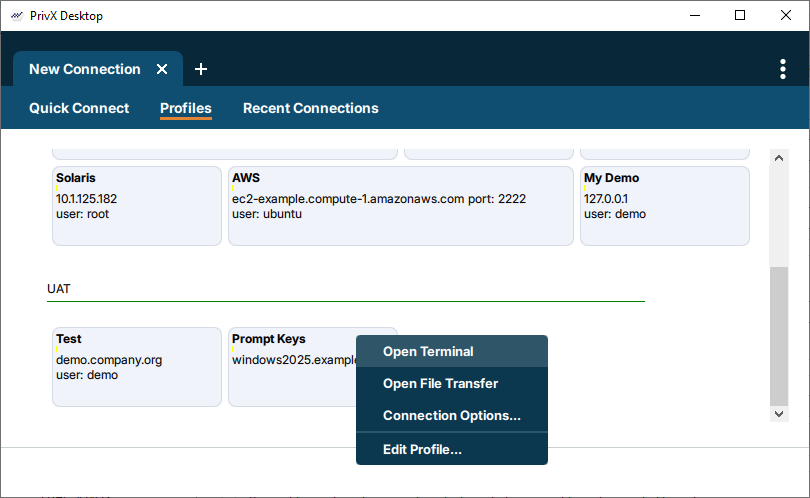
On Windows, both Tectia Client and Server include also an intuitive GUI for locally configuring all relevant Secure Shell settings. The Connection Broker configuration can be edited in a GUI on Linux and Windows, and this tool is also available in PrivX Desktop.
To ease the end-user authentication, the Tectia client/server solution can be integrated with Windows domain authentication by using Kerberos/GSSAPI for fully transparent user authentication. Once the users are logged on to the domain, there is no need for additional interaction for Secure Shell user authentication.
The Tectia client/server solution provides easy and cost-effective means of securely replacing plaintext Telnet connections and file transfers in heterogeneous enterprise networks. Instead of plaintext connections to remote hosts, end users can use PrivX Desktop GUI that secures connections by encrypting all data. Alternatively, administrators can define that connections are automatically converted to secure SFTP or tunneled (encrypted) transparently to the users and their existing applications.
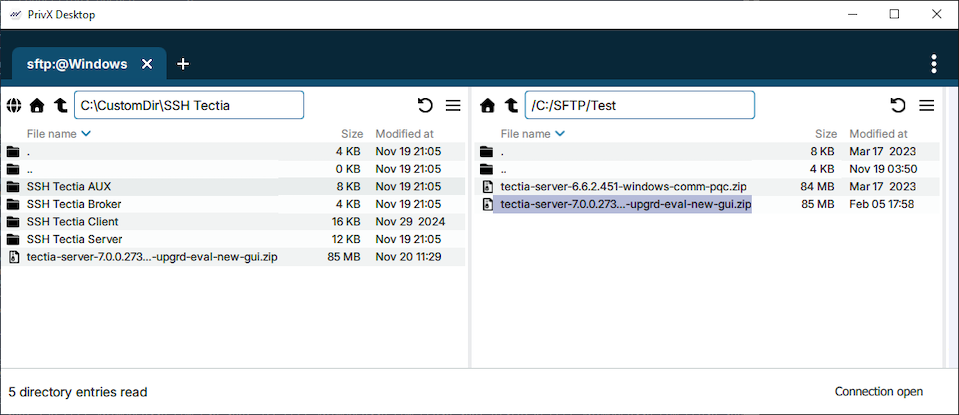
PrivX Desktop File Transfer GUI allows users to securely drag-and-drop files between local Windows or Linux and remote Unix, Linux, Windows, and mainframe systems.
| |