

|
     |
To make your first SSH connection, provide the remote-host address and user name in New Connection→Quick Connect. If the SSH server on the remote host is on a port other than 22, also provide that port.
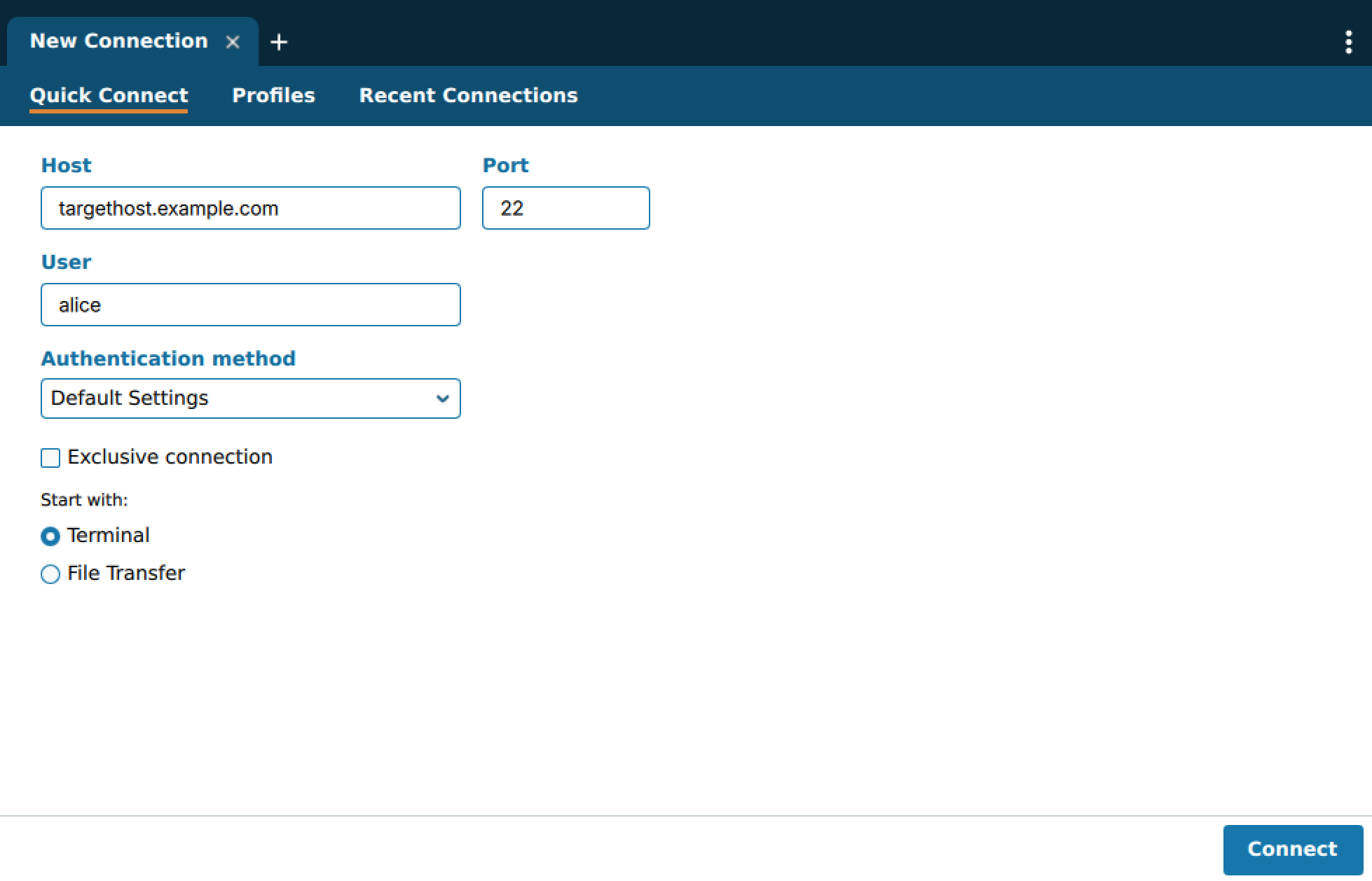
You can choose to Start with:
Terminal - Lets you perform command-line actions on the remote host.
File Transfer - Lets you drag and drop files to and from the remote host.
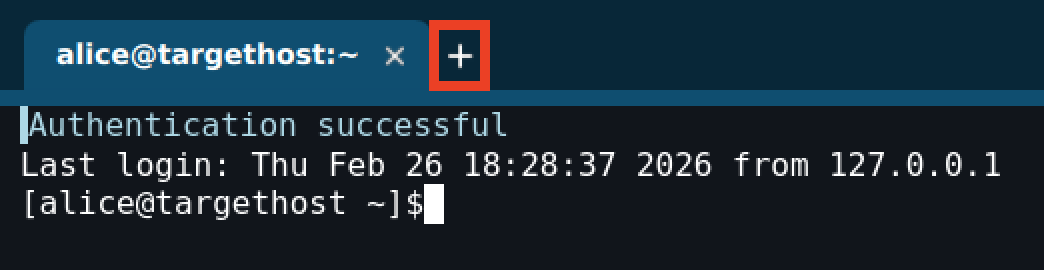
You can have multiple connections open simultaneously. To open additional connections, click + next to your existing connection tabs.
After you have an open connection to a host, you can open additional views to the same host via the Connection Menu at the bottom right.
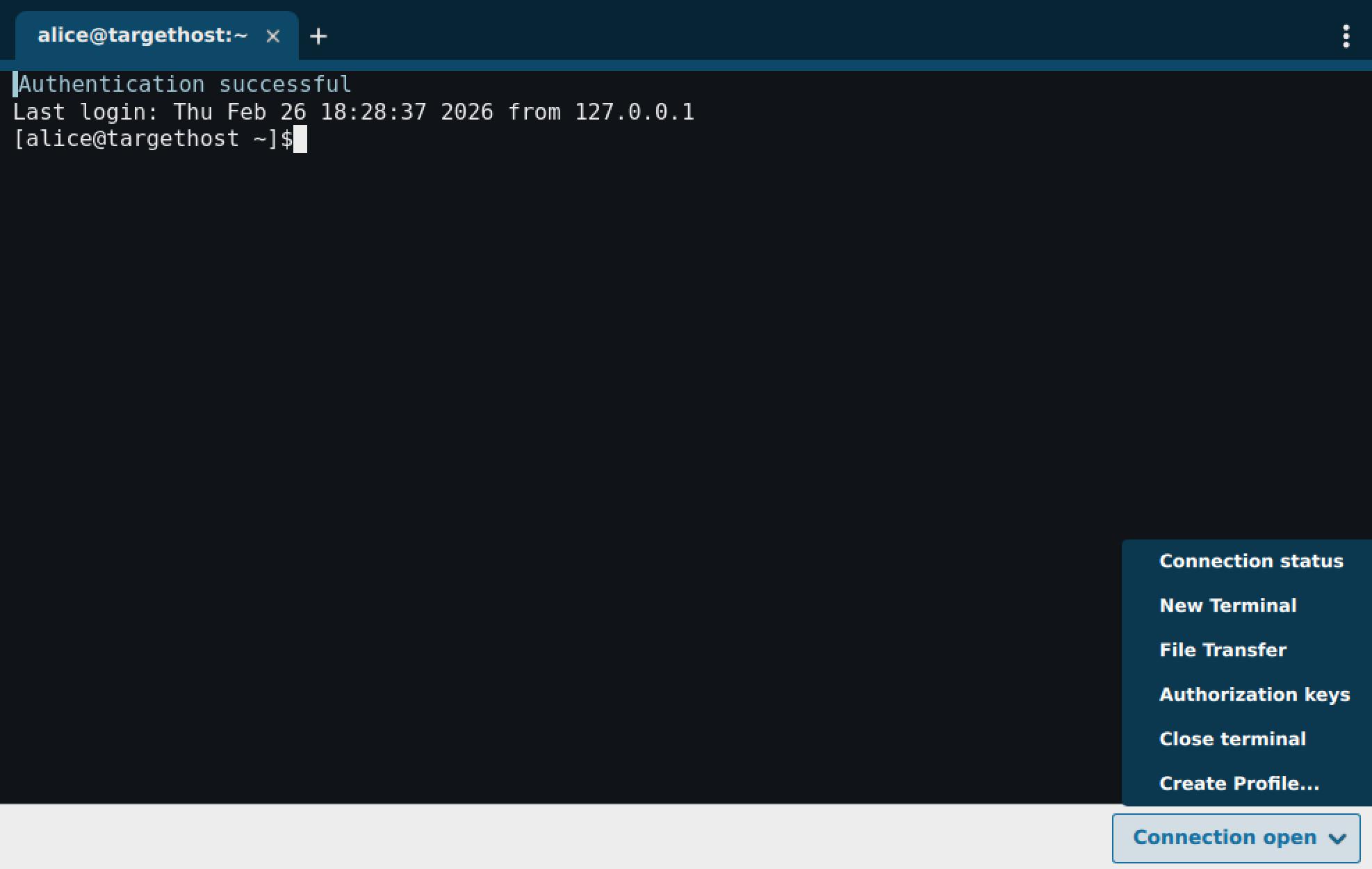
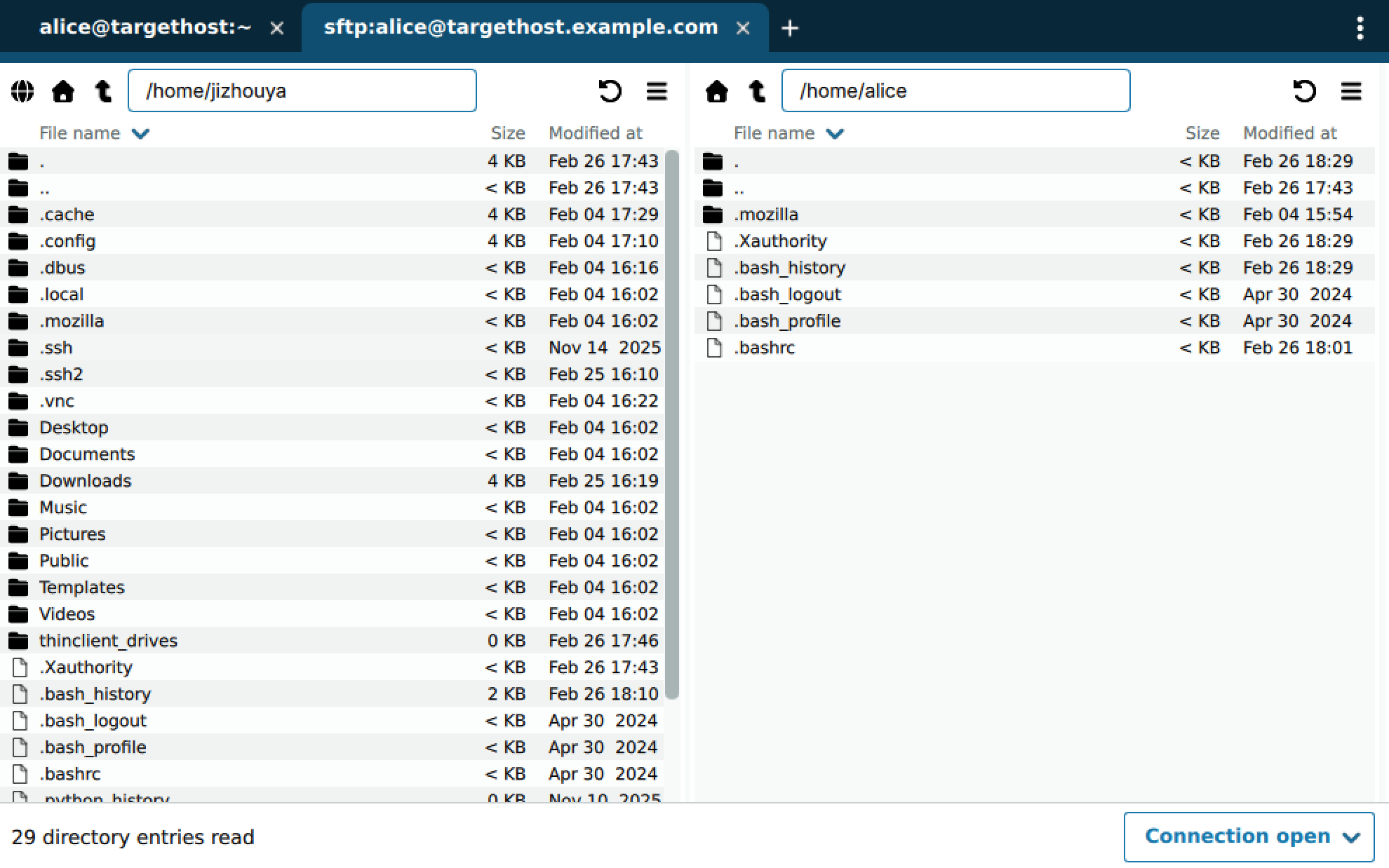
For example, by clicking File Transfer, you will open a file-transfer view to the same user and target host.
| |